Core Web Vitals vs. Motion UI: How Web Design Companies Balance Interaction and Speed
A visitor lands on a website, taps a button, and the page responds instantly with smooth animation. It feels modern, polished, and trustworthy. Now imagine the same animation causing the page to lag for three seconds. Most users leave before the content even loads.
That balance between visual interaction and website speed has become one of the biggest challenges in modern web design. Businesses want immersive experiences, but Google wants fast-loading pages. The smartest agencies know how to achieve both.
For every Web Design Company Kolkata, the challenge is no longer choosing between beauty and performance. The goal is building websites that feel interactive without sacrificing Core Web Vitals scores, SEO rankings, or user experience. This matters even more for startups, eCommerce brands, healthcare businesses, and service providers competing for visibility in Kolkata’s growing digital market.
Table of contents [Show]
- 1 What Are Core Web Vitals and Motion UI?
- 2 Why Website Speed Matters More Than Ever
- 3 How Motion UI Improves User Experience
- 4 How Smart Agencies Balance Speed and Interaction
- 5 The Role of Mobile-First Development in Modern UX
- 6 Common Mistakes Businesses Should Avoid
- 7 What to Look For in a Performance-Focused Web Design Partner
- 8 Frequently Asked Questions
- 9 Conclusion
What Are Core Web Vitals and Motion UI?
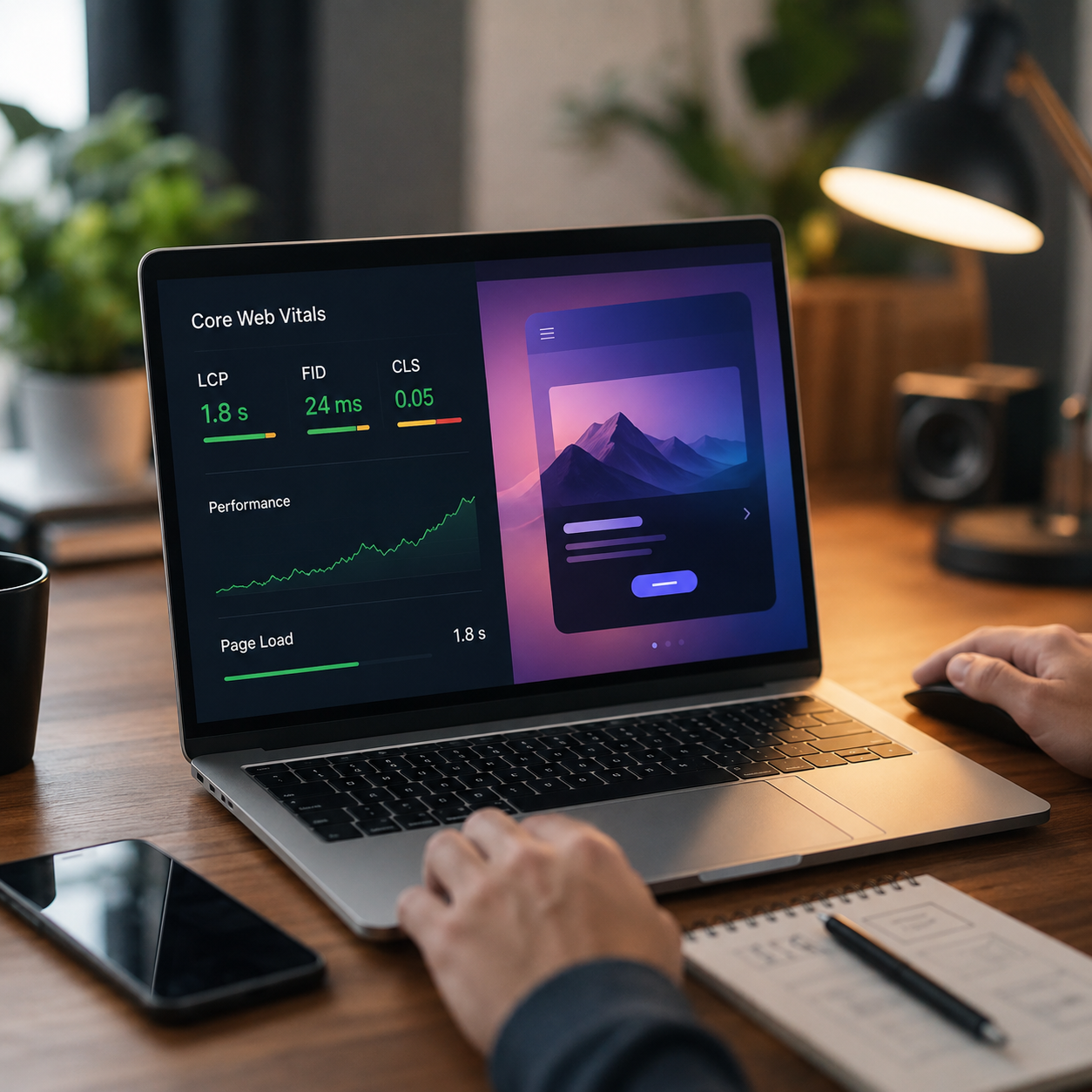
Core Web Vitals are Google's performance metrics that measure how fast, stable, and responsive a webpage feels to users. Motion UI refers to animations, transitions, hover effects, scrolling interactions, and visual movements used to improve engagement and usability.
Google currently focuses on three Core Web Vitals metrics:
- Largest Contentful Paint (LCP)
- Interaction to Next Paint (INP)
- Cumulative Layout Shift (CLS)
Motion UI improves visual storytelling and navigation, but excessive animations can negatively impact these metrics. That is why modern web development teams focus on performance-first interaction design.
According to Google , websites that meet Core Web Vitals standards are more likely to provide better user experiences and stronger search visibility.
Why Website Speed Matters More Than Ever
People judge a business website within seconds. A slow website instantly reduces trust, especially on mobile devices.
Research from Google found that bounce probability increases significantly when page load time rises from one second to three seconds. For local businesses in Kolkata competing in crowded industries, that delay directly affects leads and conversions.
Mobile Users Expect Instant Response
Most traffic today comes from smartphones. A slow animation or oversized video can make a website feel broken on mid-range mobile devices.
This is why many businesses now hire both a Web Design Company Kolkata and a Mobile App Development Company Kolkata to create lightweight digital experiences across platforms.
Fast mobile experiences improve:
- SEO rankings
- User retention
- Conversion rates
- Session duration
- Lead generation
Speed Directly Affects SEO Performance
Google uses page experience signals in ranking evaluation. Websites with poor loading performance often struggle to maintain visibility even when content quality is high.
A visually attractive website means little if users abandon it before interacting with the content.
Local Businesses Cannot Ignore Performance
A restaurant website in Kolkata may use cinematic transitions and autoplay videos to look premium. But if the site loads slowly on mobile networks, users leave and order elsewhere.
Performance optimisation is no longer optional. It is part of brand perception.
How Motion UI Improves User Experience
Motion UI creates visual feedback that helps users understand what is happening on a website. Good animation guides attention naturally instead of distracting users.
When done correctly, Motion UI increases engagement without harming speed.
Small animations improve usability. Examples include:
- Buttons changing on hover
- Loading indicators
- Smooth menu transitions
- Swipe gestures
- Form validation effects
These interactions make websites feel intuitive.
Storytelling Becomes More Engaging
Modern brands use animation to guide users through products, services, and brand narratives.
For example, a Kolkata-based real estate company may use smooth scrolling effects to showcase apartments floor by floor. The interaction feels immersive while helping users consume information naturally.
Motion Helps Build Brand Identity
Static websites often feel outdated. Carefully designed movement creates a modern digital personality.
However, experienced developers avoid unnecessary animation overload. Too many effects increase JavaScript execution time and damage performance scores.
How Smart Agencies Balance Speed and Interaction
The best-performing websites are not the simplest ones. They are the most optimised ones.
An experienced Web Design Company Kolkata understands that every animation must justify its performance cost.
Using Lightweight Animation Frameworks
Heavy animation libraries slow down websites dramatically.
Modern developers prefer lightweight frameworks and GPU-accelerated CSS animations instead of relying entirely on JavaScript-heavy effects.
This reduces browser workload and improves responsiveness.
Prioritising Above-the-Fold Performance
Top agencies load critical content first while delaying non-essential animations.
This approach improves Largest Contentful Paint because users see meaningful content immediately even while secondary effects continue loading in the background.
Optimising Images and Videos
Motion-heavy websites often fail because of oversized media files.
Smart optimisation includes:
- Using WebP image formats
- Lazy-loading videos
- Compressing assets
- Serving adaptive image sizes
- Using content delivery networks (CDNs)
These practices maintain visual quality while reducing loading time.
Real-World Scenario from Kolkata
A fashion retailer in Kolkata redesigned its website with advanced transitions, product sliders, and scroll-triggered animations. Initially, the site looked premium but suffered from poor mobile performance.
After optimisation, the development team reduced animation scripts, compressed media files, and prioritised visible content loading. The website became faster, user engagement improved, and bounce rates dropped noticeably within weeks.
That practical balance is what separates experienced agencies from trend-following designers.
The Role of Mobile-First Development in Modern UX
Mobile-first design is no longer a recommendation. It is the standard.
A reliable Mobile App Development Company Kolkata often follows the same philosophy when building high-performing mobile applications and responsive web platforms.
Why Mobile-First Thinking Works
Designing for smaller screens forces developers to focus on essentials:
- Faster loading
- Cleaner layouts
- Better navigation
- Touch-friendly interfaces
- Reduced clutter
This naturally improves website performance.
Progressive Enhancement Improves Stability
Instead of adding every visual effect at once, developers gradually enhance experiences for stronger devices and browsers.
This ensures consistent usability across all devices without sacrificing accessibility.
Performance and Accessibility Work Together
Fast websites are usually more accessible. Excessive animations can create usability issues for users with motion sensitivity or slower internet connections.
Responsible web design teams always include accessibility considerations during animation planning.
Common Mistakes Businesses Should Avoid
Many businesses unintentionally damage website performance while trying to create a modern look.
Overusing Animation Effects
Too many moving elements create distraction and slow rendering speed. Motion should support usability, not overpower it.
Ignoring Mobile Testing
Some websites perform well on high-end desktops but fail badly on average smartphones. Testing across devices is critical.
Using Uncompressed Media
Large hero videos and oversized images are among the biggest performance killers.
Installing Too Many Plugins
Third-party plugins increase HTTP requests and JavaScript execution time. Many websites become bloated because unnecessary tools remain active.
Chasing Trends Without Strategy
Not every animation trend improves user experience. Businesses should focus on functionality before aesthetics.
What to Look For in a Performance-Focused Web Design Partner
Choosing the right agency can save businesses months of frustration.
Here are the qualities that matter most:
Technical SEO Understanding
A good agency understands how Core Web Vitals affect rankings, indexing, and visibility.
Experience with Responsive Development
Websites should perform consistently across desktop, tablet, and mobile devices.
Performance Testing Workflow
Professional agencies regularly test websites using tools like:
- Lighthouse
- PageSpeed Insights
- GTmetrix
- WebPageTest
Balanced Design Philosophy
The best agencies do not blindly remove animations. They optimise them intelligently.
Transparent Development Process
A trustworthy team explains why certain design decisions improve speed, usability, and SEO performance.
Frequently Asked Questions
Q: Do animations hurt SEO performance?
A: Animations alone do not hurt SEO. Poorly optimised animations can slow loading speed, increase interaction delays, and negatively affect Core Web Vitals scores. Lightweight and well-coded animations usually perform well.
Q: Why are Core Web Vitals important for local businesses?
A: Core Web Vitals influence user experience and search visibility. Local businesses with faster websites often achieve lower bounce rates and better lead generation because users stay engaged longer.
Q: Can a visually rich website still load fast?
A: Yes. Modern optimisation techniques allow developers to create interactive websites without sacrificing performance. Proper image compression, lazy loading, and efficient coding make a major difference.
Q: Should businesses prioritise speed over design?
A: Businesses should prioritise user experience. A website must look professional while remaining fast and responsive. Strong web design balances both elements instead of choosing one over the other.
Q: How often should Core Web Vitals be monitored?
A: Core Web Vitals should be checked regularly, especially after website updates, redesigns, or plugin installations. Continuous monitoring helps maintain strong SEO and performance standards.
Conclusion
Core Web Vitals and Motion UI are not competing priorities anymore. Modern websites need both speed and interaction to succeed in search rankings and user engagement.
Businesses that focus only on visual effects often lose visitors because of slow performance. On the other hand, websites built purely for speed may feel outdated and forgettable. The right balance creates websites that rank well, feel premium, and convert visitors effectively.
That is why experienced teams like Webmaa focus on performance-first web experiences that combine responsive design, intelligent animation, mobile optimisation, and SEO-driven development. Businesses that invest in this balanced approach position themselves for stronger long-term digital growth.
Webmaa is a Kolkata-based digital solutions company with experience in responsive web design, UI optimisation, and SEO-focused development strategies. Their team works on building fast, scalable, and user-focused digital platforms aligned with modern search engine standards.
Leave a comment
Your email address will not be published. Required fields are marked *
